


AI built it. But how far along is it, really?
The screens look right, but it’s hard to tell what actually works and what’s still missing.
All you need is an idea. Donevio shows you how far your product has come, helps you decide what to build next, and sees it through until it's built the way you pictured it.
Your project stays safe
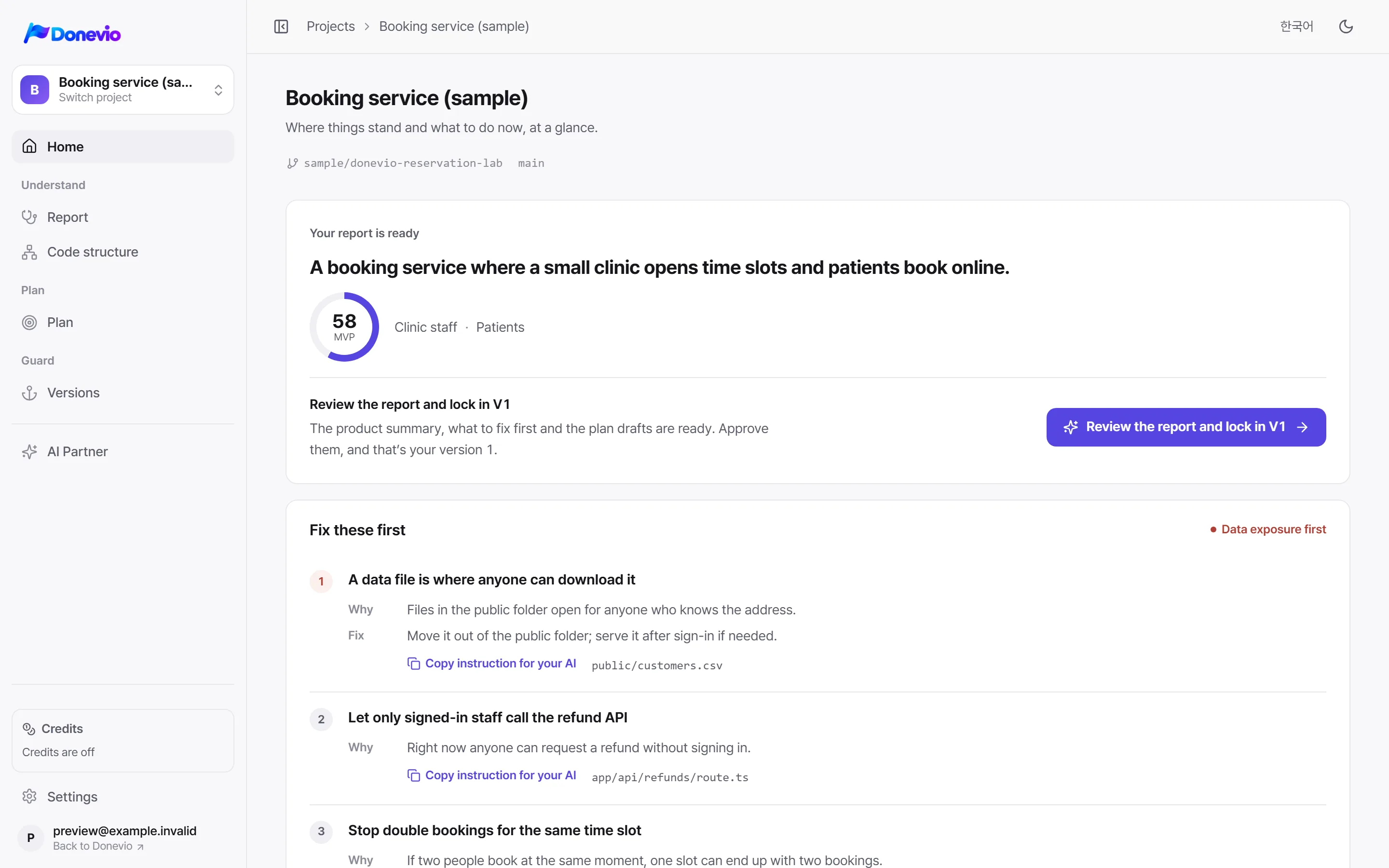
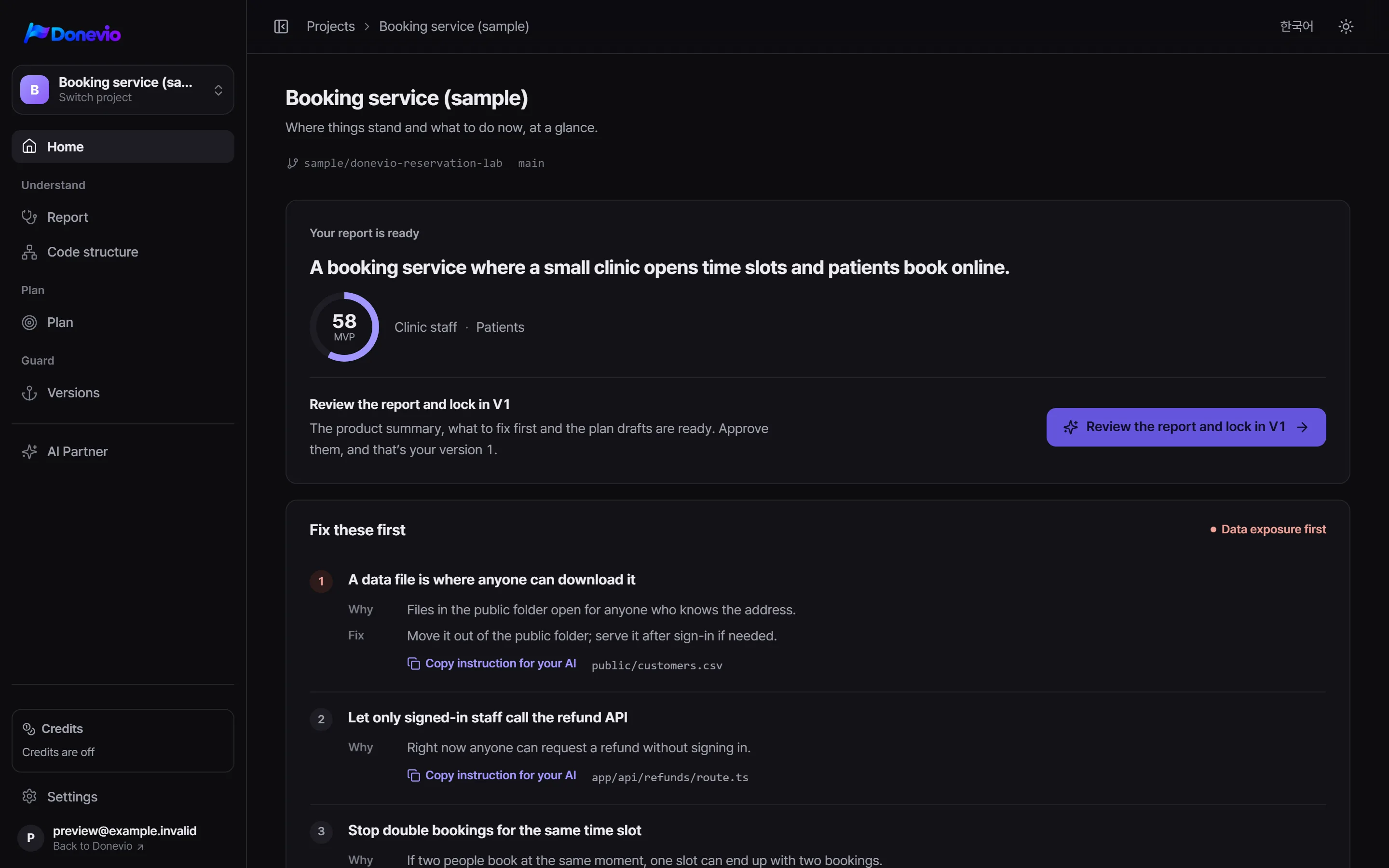
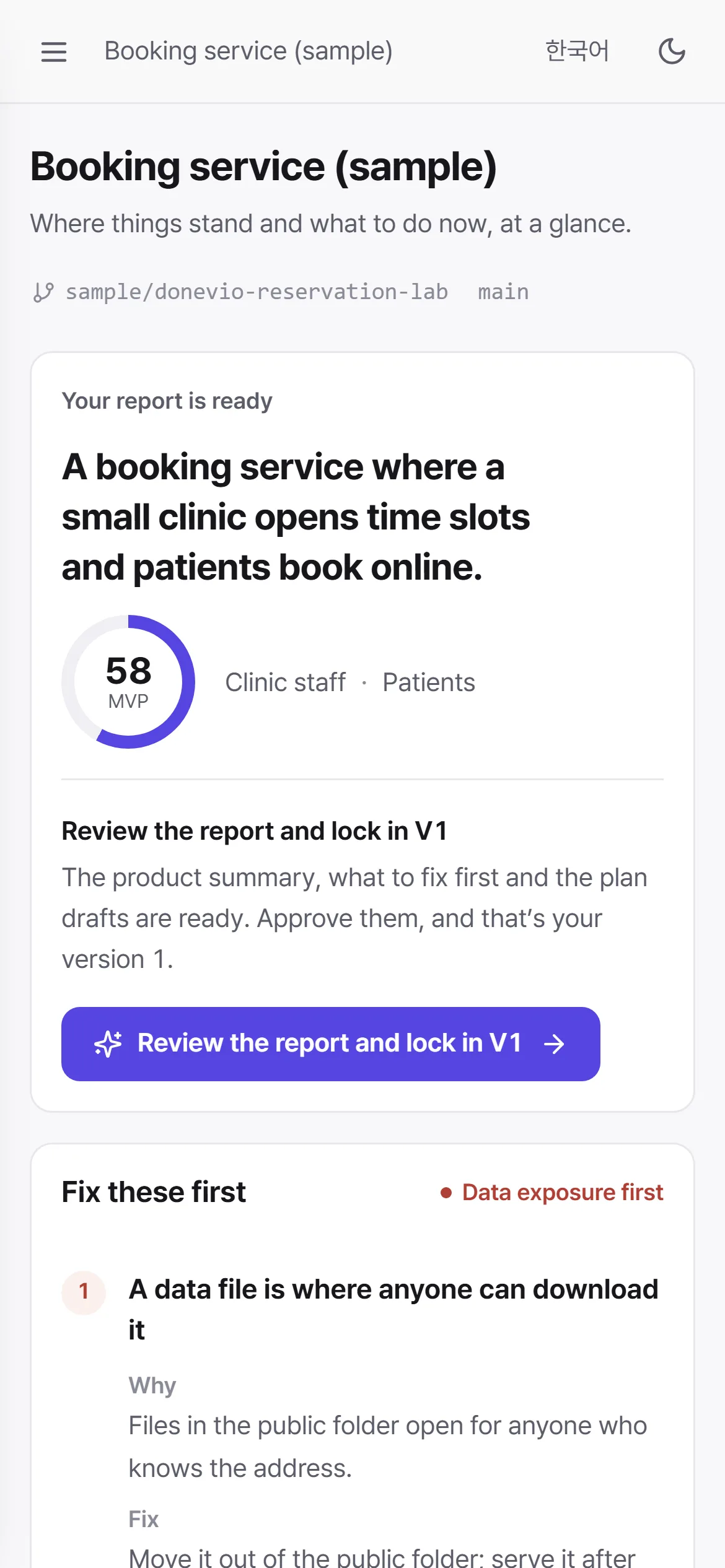
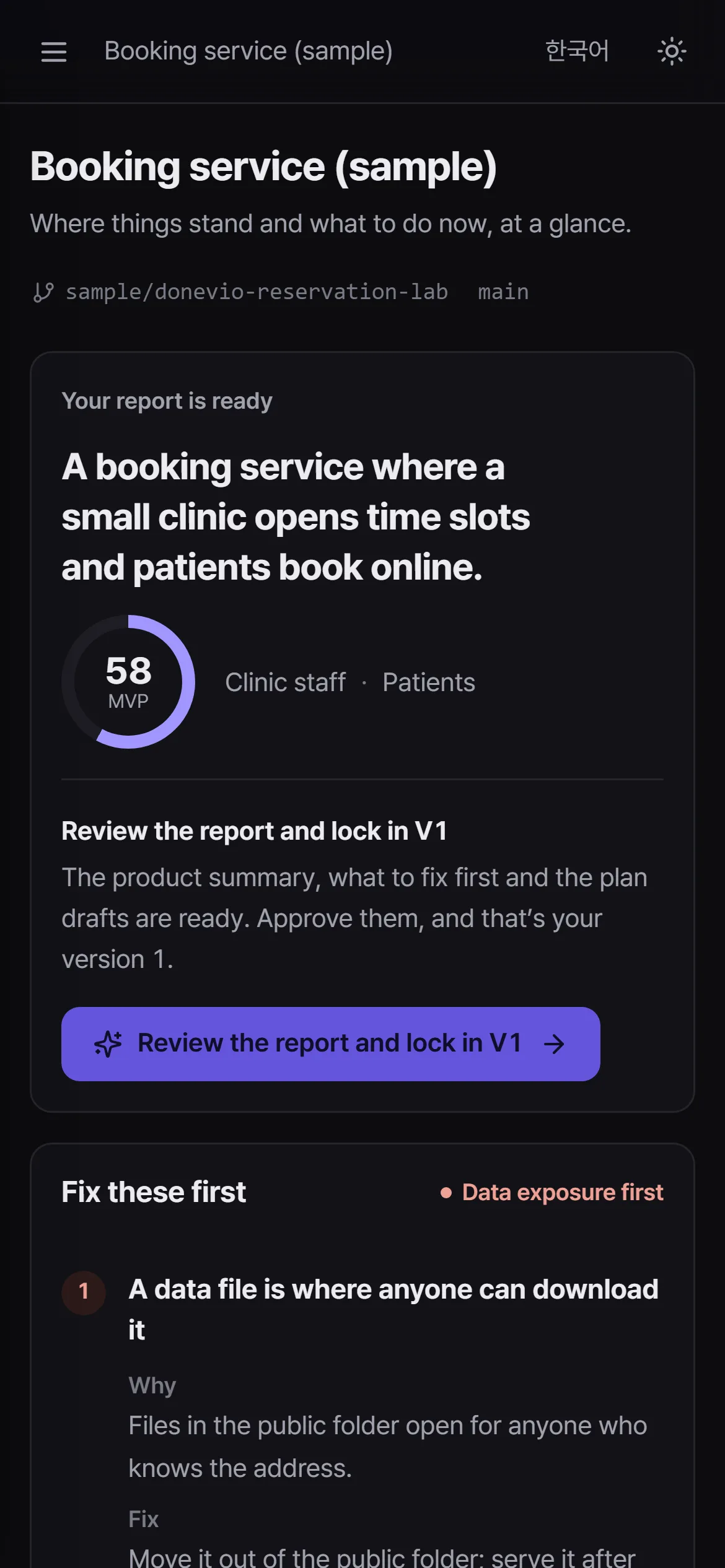
Real Donevio screens · fictional sample project data
Works with your tools
Works alongside Claude Code, Codex, Cursor, Lovable and more.
Why Donevio
AI made building easy. But the more you build, the more you start to wonder.
The screens look right, but it’s hard to tell what actually works and what’s still missing.
Ask your AI for one change and something else can quietly break. You can't click through the whole app every time.
Payments, personal data, admin tools: the parts that can't go wrong are the hardest to feel sure about.
How it works
Connect a repository and run one analysis. Donevio answers all three, in order. Below are the app's real screens, filled with sample data.
Pick one repository on GitHub. Donevio gets read-only access and never runs your code.
Getting started
One click and the AI reads your key files. You can watch its progress in each portal, and files with secrets never reach the AI.
Answers: where you are
See what to fix now, why it matters and how to fix it. Copy the instruction straight into the coding AI you already use.
Answers: what's next
Lock in V1 once it looks right. From then on, Donevio keeps your product on track: every push lines up for V1.1, along with the portals it touched.
Answers: whether your AI broke anything
Who it’s for
Clear enough for founders. Precise enough for engineers.
Find out what your AI-built product really does, and what to fix before launch, without reading code.
See whether what the team built matches the plan, and understand risk in sentences instead of charts.
Tie specs and roadmaps to real code, and know when a change breaks a requirement.
Data flow, auth gates, secret scanning and dependency advisories, all backed by line-level evidence.
Security and trust
Donevio only says what it can show, and treats your code with care.
* Our own test, October 2026: three public FastAPI projects (332 routes) compared with a hand count. Results vary by project.
Donevio reads only the repositories you allow, with read-only access. No installs, no builds, no scripts. It only reads the files.
34 patterns find keys and tokens. We record only where they are, and files that contain them are blocked from AI analysis and the code viewer.
Every statement links to a file and line, labeled as confirmed in code, inferred, or not run.
Goals, specs and roadmaps only change when you approve them, and only what you approve becomes a version. Anything AI writes stays a draft.
We keep adding languages and frameworks, and keep measuring accuracy against real projects to raise the bar.
We read package versions from your lock files and, if you turn it on, warn you when one has a known security hole (from the public OSV database).
Coverage
Deep analysis follows screens, APIs, calls, data and access checks, and we keep extending it to more stacks. For everything else, Donevio maps your file structure and the AI reads the code directly.
Coverage is updated regularly.
Next.js, React and more: screens, APIs, function calls, data access and access checks
Full paths including router prefixes, and auth guards per route
Data models, and which features touch which data
File structure, roles and AI code review today, with deep analysis rolling out over time
Donevio is an AI project partner. Connect a GitHub repository and it reads the code, explains in plain language what you’ve built and where the risks are, then keeps reviewing changes against the goals you set together.
No. Founders and PMs get features and risks explained in plain language, while engineers can jump straight to the evidence, down to the line.
Donevio reads the repositories you allow with read-only access and never runs or modifies your code. Keys and tokens are recorded by location only, never by value, and files that contain secrets are never sent to the AI.
Yes. Any repository you grant the GitHub App access to, public or private.
Absolutely. Keep building with the tools you already use, and let Donevio understand and review the results. Findings come with instructions you can paste straight into your coding AI.
Deep analysis covers TypeScript and JavaScript (Next.js, React and more), Python FastAPI and Prisma, and Donevio reads and reviews code in 15 languages including Java, Go, PHP and Ruby. Coverage keeps growing.
It's free during the beta, with no automatic charges. Before the first analysis or any AI chat, you’ll see how many credits it should take, and nothing runs until you confirm.
Free during the beta · no automatic charges. No card required.